

Go back
Announcements

Mai 3, 2026
♜ May 9 Quad Tournament at Ashland ♜
**Join Us for an Exciting Chess Showdown!**
Are you ready to put your chess skills to the test? We’re hosting another Quad tournament that promises strategy, sportsmanship, and fun.
Event Details
Date: Saturday, May 9
Location: FMCA Ashland, 200 Homer Ave., Suite 200, Ashland
Round Times: 12:30pm, 1:30pm, 2:30pm
Time Control: Game 30/5 delay
Fee: $30 per participant
Prize: $50 1st place. Books under 1000.
Register: Click Here
View more 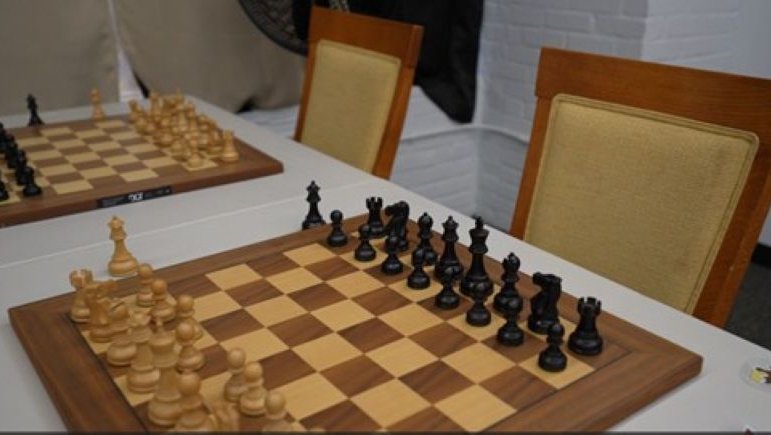
Avr 30, 2026
♟️K-12 RSM Unrated Tournament
♟️K-12 RSM Unrated Tournament
Date: Sunday, May 17
Location: RSM - MetroWest, 5 Auburn St, Framingham, MA 01721
Time control: All play 4 rounds. No clocks or notations. K-3 done in 2.5 hrs. Grades 4-12 done in 3 hrs. K-3: 11:30am-2pm. Grades 4-12: 2:30-5:30pm
Round times: 1st round at 2 pm in all sections. All other rounds ASAP
Prizes: Trophies to top 3 in each section. Medals for 2.5 points or more in K-2 sections. And 3 points in other sections
Registration Fee: $45
✅ Click Here to Register
View more 
Sep 9, 2025
🔔How To Book a Class
Booking all classes ahead of time is a requirement so that we can properly prepare our program. Below are instructions on How to Book.
How to Book a Class
v From your child’s profile*, Click on the Book Now tab, then click on Classes tab.
o Please book 12 hours in advance.
v Find the class date and time and click the Book button on the right.
o Be sure to choose classes that start with the location name (Ashland or Burlington)
o You can choose calendar or list view, or filter for a specific class.
o Under One-Time Booking you can book a single session or recurring sessions.
v Confirm class by clicking Next; then click Save.
You will receive an email confirmation.
Under the My Schedule tab, you can view booked classes and make changes.
*If you do not see you child’s name on top, click on their name and then click Sign In; or under Booking for, choose you child’s name.
View more