Best Apps for Editing Your Videos
Last Updated on 8 April, 2026
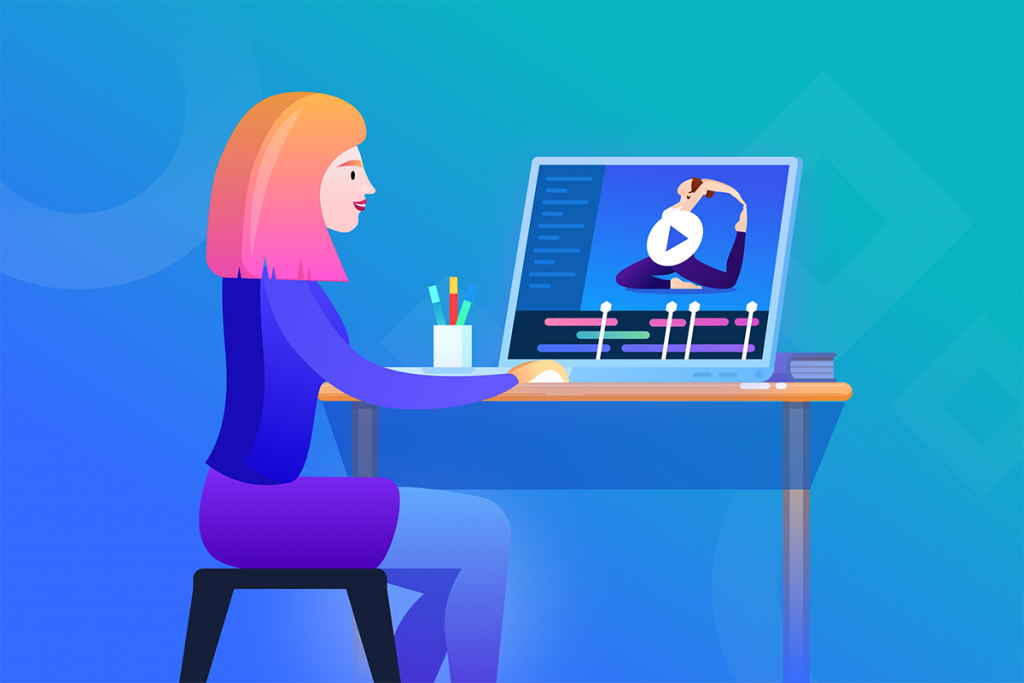
Your clients expect a high level of service, and your on-demand videos and livestream should exceed their expectations. With so many people heading online for their fitness needs, you need to stand out. All you need is your phone, the right app, and some practice!
You can’t be an expert in everything, but the best video editing apps make it look like you are! Whether you’re still learning, have some experience, or are already a master, we’ve put together a guide with the apps (free and paid) to edit your videos like the pros.
For beginners
New to editing? There are tons of user-friendly options that allow you to easily add text or music to your content. In no time at all, you can quickly drag and drop to combine videos and photos, record and add audio, and manually crop your video to fit perfectly your platform. You can also zoom in on a featured section, import photos from your camera roll, and make a trailer to tease your audience.
Fast, on-the-go video editing is accessible from your device with these apps for beginners:
Intermediate users
Once you’ve gotten your feet wet, you can go even more pro! Next-level apps feature options for stabilizing shaky video, auto-cropping, and the option to turn stills into video for extra content.
Get your design down with their preset templates, add a filter for effect, and set your transitions for a seamless final product. They are so intuitive — some apps can even detect the content with the most action and organize it for you!
Have fun with the features this level offers as you work your way up to expert:
Advanced options
The advanced apps have a few more bells and whistles, but they’re still super-simple to use! Take advantage of the stock photo and video libraries to fill in any gaps. Make use of the desktop option to re-purpose your videos for full-length YouTube content.
You can even tailor videos to your brand by matching your colors, adding your logo, and including your own custom fonts. Some of these apps even offer time-lapse, slo-mo capability, and picture-in-picture if you really want to impress!
Don’t let the features intimidate you. With the push of a button, these apps do all the work so you look like a star:
Use a great video to get ahead
Videos are the way to distinguish yourself in a very competitive virtual space – but they need to be done right. Take the time to master video editing and try out the free trials or free apps at your disposal to get a feel for what suits your needs. Each app has its own unique features, and so it’s a good idea to explore what the different apps have to offer.
By using the best apps to edit your videos, you’re able to deliver the best experience for your clients. Like the best video editing apps available, WellnessLiving’s all-in-one software also provides its customers with a top-notch platform, including:
- client booking apps
- staff management apps
- automated marketing suite
- advanced reporting tools
- AI front desk agent
From client and staff apps that make booking easy to our automated marketing features, WellnessLiving has all the dynamic tools to grow your business.
Book a no-commitment demo today to learn more!
❓ Video Editing Apps & Content Creation FAQs ❓
Look for tools like trimming, transitions, and text overlays for basic editing. Advanced apps include multi-track editing and color correction features. Built-in templates can speed up content creation significantly. Strong feature sets improve both quality and efficiency.
Well-edited videos capture attention and increase engagement on social platforms. High-quality visuals help communicate your brand more clearly. Consistent video content can improve conversion rates over time. Video is now a key driver of digital marketing success.
Beginner-friendly apps offer simple interfaces and ready-to-use templates. Tools like CapCut, InShot, and iMovie are commonly recommended. These apps reduce the learning curve for new creators. Easy tools help businesses produce content faster.
Templates and automation tools reduce time spent on repetitive tasks. AI features can generate captions, effects, or even edits automatically. Batch editing and reusable assets also improve workflow speed. Efficient tools help teams produce more content consistently.
Choosing overly complex software can slow down your content workflow. Some apps lack essential features needed for growth. Ignoring platform compatibility can limit usability across devices. Selecting the right tool depends on your business needs and goals.